

Keep tickets linked to conversations
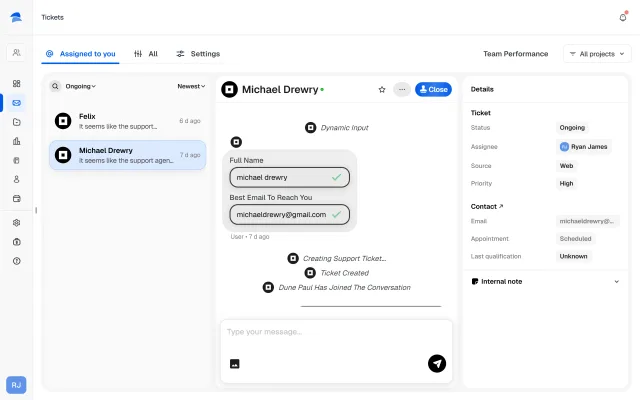
Tickets stay connected to the conversation that created them, so support teams do not lose the customer story on entry.
Ticketing & Support
Convoscale gives teams a structured support queue for escalated conversations, with assignment, prioritization, internal collaboration, and lifecycle visibility built in.
Intro
Support gets messy when escalations scatter across inboxes, chat logs, and half-remembered conversations.
Convoscale gives you one operational queue where support work can actually be managed.
Ticketing Workflow
Tickets stay connected to the conversation that created them, so support teams do not lose the customer story on entry.
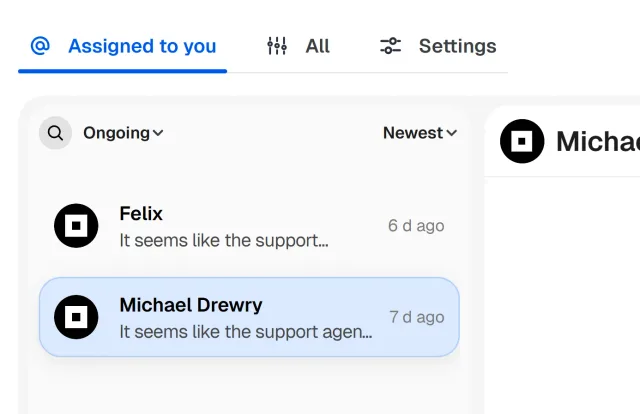
Teams can filter tickets and work the queue with more control instead of endlessly scrolling through disorder.
Tickets can be assigned, prioritized, and moved through resolution states so the queue stays actionable.
Support work is rarely a straight line. Teams can resolve or reopen tickets as cases evolve.
Ticket threads support internal notes and attachments, which matters when support teams need to collaborate, add context, or move a case forward without dumping everything into public replies.
Ticket lifecycle notifications help keep cases moving and reduce the odds of stalled follow-up.
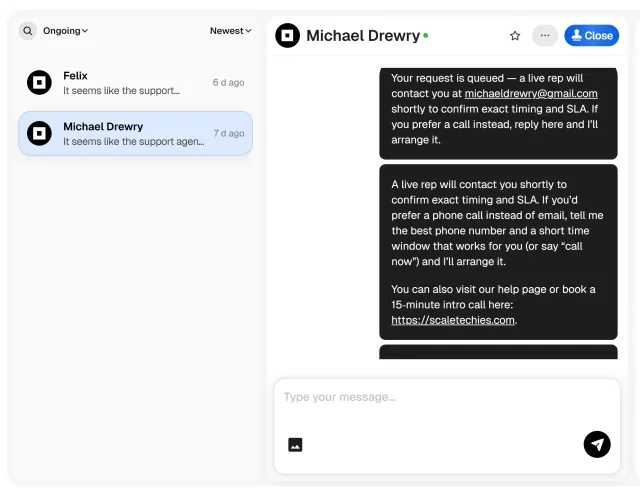
AI can reduce support load.
But when something needs actual handling, you still need a real operational system behind it.
That is what separates “we have support AI” from “our support process actually works.”
One queue beats ten scattered places where issues go to die.
Assignments, notes, and lifecycle management give support teams structure.
Conversation-linked context helps teams understand cases faster.
Lifecycle notifications help keep SLAs moving without claiming magic.
Use Convoscale to centralize support work with full conversation context intact.